Access logs for your web app, live as they happen
See every request your web app serves: when, from where, which page, how fast and what it returned. Live in the dashboard, CLI and API, at no extra cost.
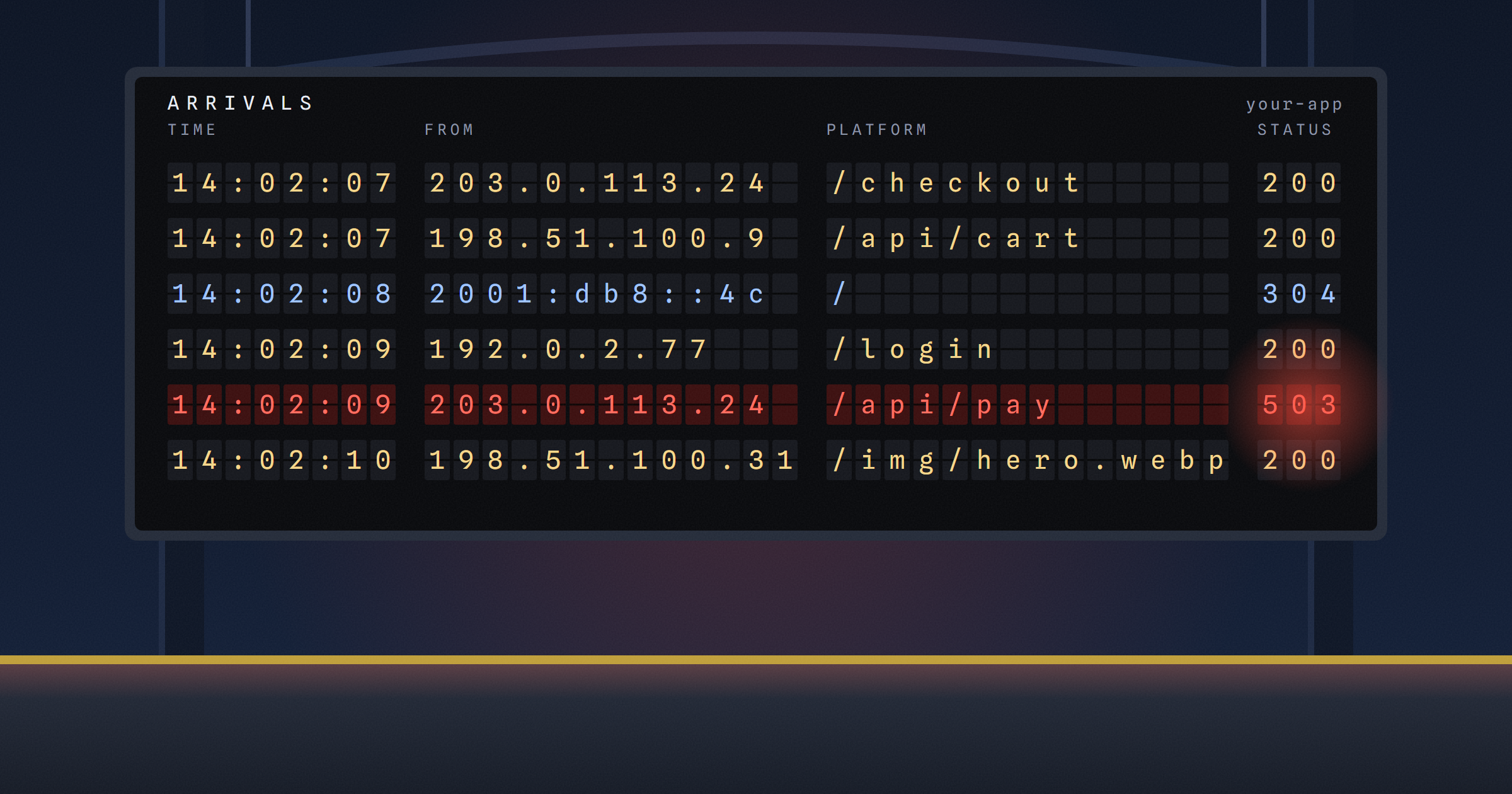
Once an app is live, the first two things you want to know are whether anyone is using it and why that one request failed. Until now the honest answer was to add logging to your app and go and look. That's a fair answer for a big service and a poor one for a side project you deployed on Sunday.
So every web app on velixir now has access logs. One line for every request it serves: when it arrived, the visitor's address, the page, the status code, how long it took and how much was sent back. They're live in the dashboard, and they cost nothing extra.
Where do I find them?
Open your app and go to the Access logs tab. The newest requests are at the top, and with Live switched on the list keeps itself up to date, refreshing every five seconds. A request usually shows up within a few seconds of being served.
Filter by status (2xx, 3xx, 4xx, 5xx, or just the errors), by method, by part of the path, or by visitor IP. Click a row and it opens up: the full URL, the user agent, where the visitor came from, the bytes in and out, and two timings. "Time at your app" is how long your code took to answer. "Total time" includes getting the response back to the visitor. When those two are far apart, the problem is the network or a big response, not your code.
What gets logged?
Every request that reaches your app through us, on any hostname: your velixir.run address, your custom domains, and preview slots. Each line names the host, so an app with three domains can tell them apart.
Because we log at the edge, the front door rather than inside your app, you also see the requests that never reached your code. If the firewall blocked something, or a single address hit your rate limit, it's there with its 403 or 429. That's often the quickest way to find out whether a setting you switched on is doing what you hoped.
WebSockets are logged too, once the connection closes, with the total sent over its lifetime.
Can I get them outside the dashboard?
From a terminal, with the CLI:
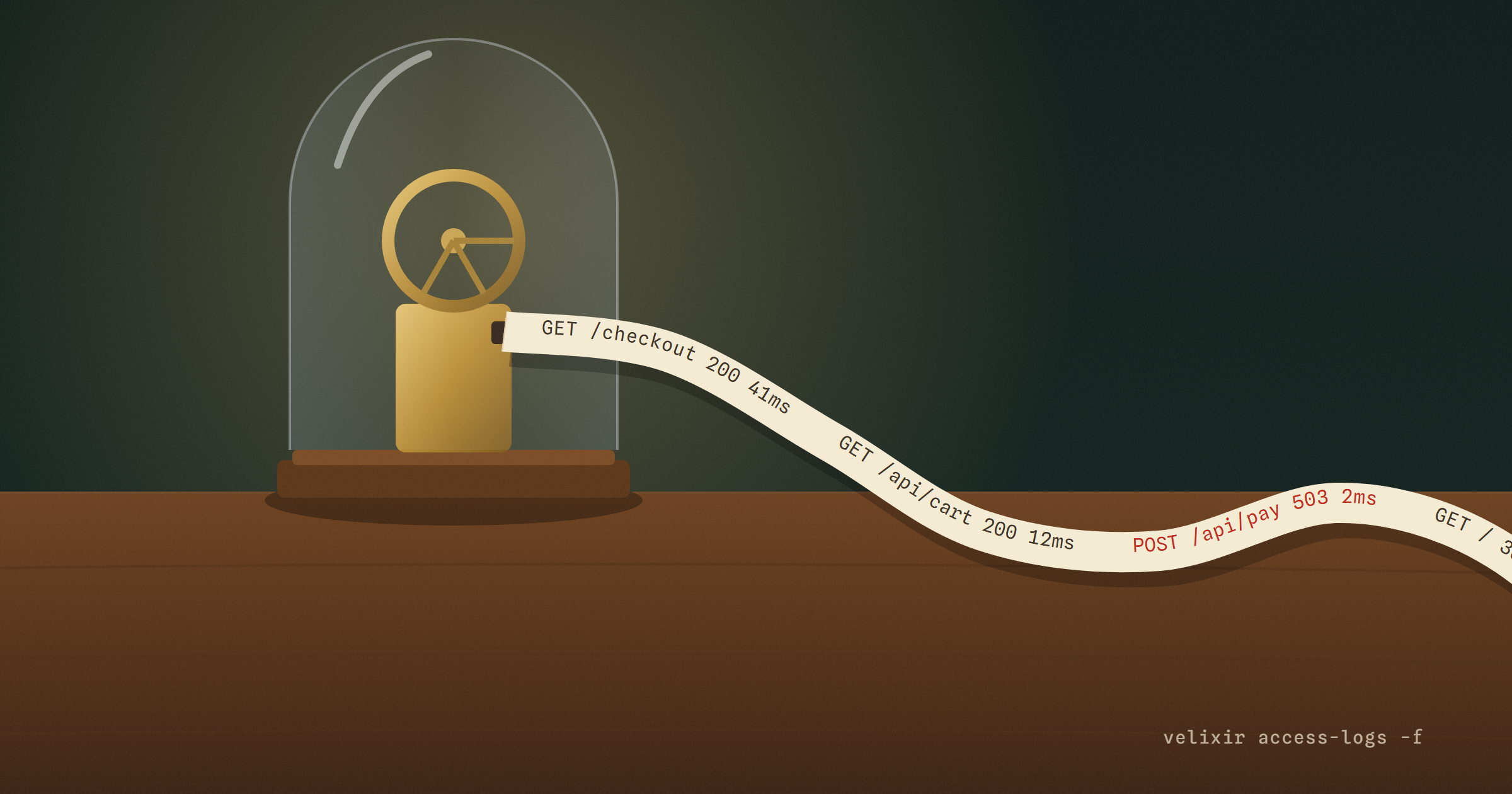
velixir access-logs -f                        # follow new requests as they arrive
velixir access-logs --status 5xx --since 1h   # server errors in the last hour
velixir access-logs --path /api --json | jq .requestTimeMs
-f keeps printing new requests until you stop it, which is handy in one terminal while you click around your app in another. --json prints one object per line, for scripts.
There's an API for it as well, at /api/v1/apps/{id}/access-logs, with the same filters and a cursor for paging back. The access logs docs cover every option. If you use an AI agent with our MCP server, it gets an access_logs tool, so it can check its own app is getting traffic and look at the requests that failed, without you copying anything into the chat.
How long are they kept?
A day on the Free plan and a week on paid plans, then they're deleted automatically. That's deliberate. Every line holds your visitor's IP address, which is personal data, and we'd rather keep it for as long as it's useful to you for debugging than for as long as we could. If you need a longer history, pull the lines through the API or the CLI's --json and store them where you like.
What access logs aren't for
Your app's own output. What your code prints, its stack traces and start-up messages, lives on the Logs tab, which can also explain what went wrong after a bad deploy.
Analytics. These are raw requests, bots and uptime monitors included. They'll tell you that someone loaded /pricing at 14:02 from a given address, not how many people read it this month. A proper analytics tool is the better fit for that.
Request bodies and headers. We record the URL (query string included), the user agent and the referrer, and nothing else your visitor sent. Form posts, cookies and authorisation headers are never written down. Keep secrets out of URLs, as you would anyway: anything in one ends up in these logs.
Try it
Open any deployed app and click Access logs, then visit your app in another tab and watch the request arrive. It's on every plan, Free included. New to velixir? Start here.
Got an app to ship? velixir hosts it in any language, on servers in the EU.
Start free - your first month's on us