Roll back a bad deploy in one click
When your app starts crashing right after a deploy, velixir now says which release did it and offers the one before it as a single button.
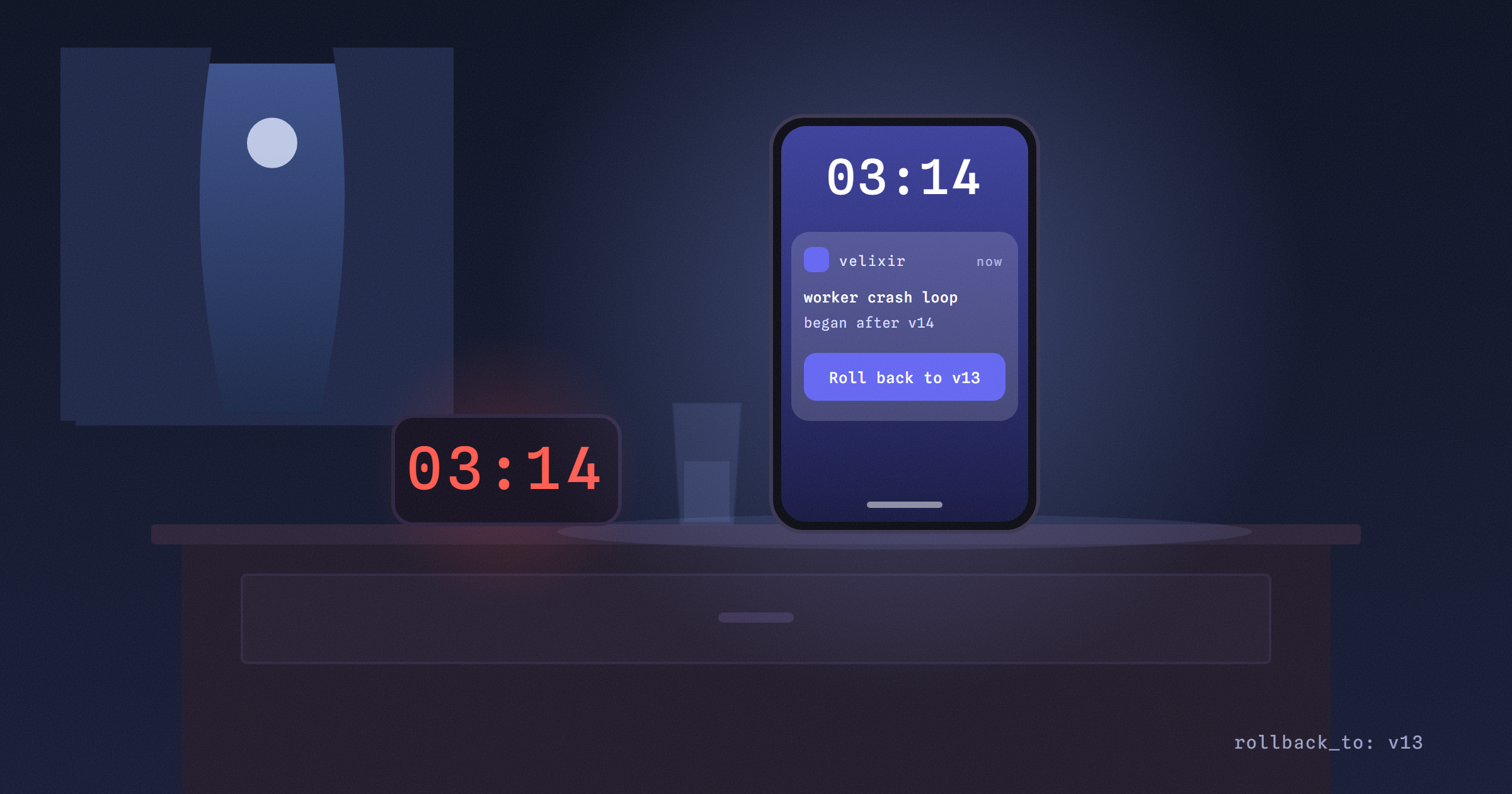
When an app starts crashing at 3am, the first thing you want to know is whether the deploy you shipped that afternoon caused it. Usually it did, and working that out from logs and timestamps is the slow part of the night.
velixir's crash alerts already tell you when an app or worker dies, why, and the last lines it printed. Now they also tell you which deploy started it, and put the fix one button away.
How does velixir know a deploy caused it?
When a process starts crashing, velixir looks at what went live on your app and when. If the latest deploy went live in the half hour before the first crash, the process was fine for the hour before that deploy, and the release before it can still be deployed, the alert says so in plain words: "It started 4 minutes after v14 went live. v13 ran before it."
It stays quiet when it isn't sure. A worker that was already crashing yesterday doesn't get blamed on today's deploy, and a redeploy that only changed an env var doesn't get a "roll back the code" suggestion, because that wouldn't fix anything. A wrong suggestion at 3am is worse than none.
What do I click?
The crash card on the app's Overview gets a button: Roll back to v13. It redeploys v13's image, so there's no build to wait for, and it keeps your current env vars and settings (a key you rotated since stays rotated). The crash-loop email says the same thing and links straight there.
If you'd rather a script did it, the app.crashed and app.crash_looping webhooks now carry suspected_deploy and rollback_to.release_id. An agent or a small handler can call the rollback API with that id and be done before you've found your glasses. On Slack it's the same sentence, right in the channel.
What if the deploy also changed my data?
Rolling back the code doesn't un-run a migration. That's what Rewind is for: pick the moment before the deploy and velixir builds a preview of your app as it was then, code, config and databases to the second, on its own URL. Check it, then apply it, and the live app goes back. Changed your mind? Undo puts everything back as it was, and the data Rewind moved you off is kept for a week so that Undo always has somewhere to go.
We test all of this on production with a real app: deploy a release with a worker that dies on start, wait for the alert, check it names the right release, roll back through the API, and see the worker come back. Rewind gets the same treatment, with a Postgres, a wiped table and an undo.
Crash alerts and rollbacks are free on every plan. A Rewind preview bills like any app while it runs, and you can throw it away whenever you like. The webhooks docs list the new payload fields.
Got an app to ship? velixir hosts it in any language, on servers in the EU.
Start free - your first month's on us