Persistent storage for web apps, with snapshots
Your app's files used to vanish on every deploy. Now you can give it a volume: a disk that stays, €0.15 per GB a month, with nightly snapshots.
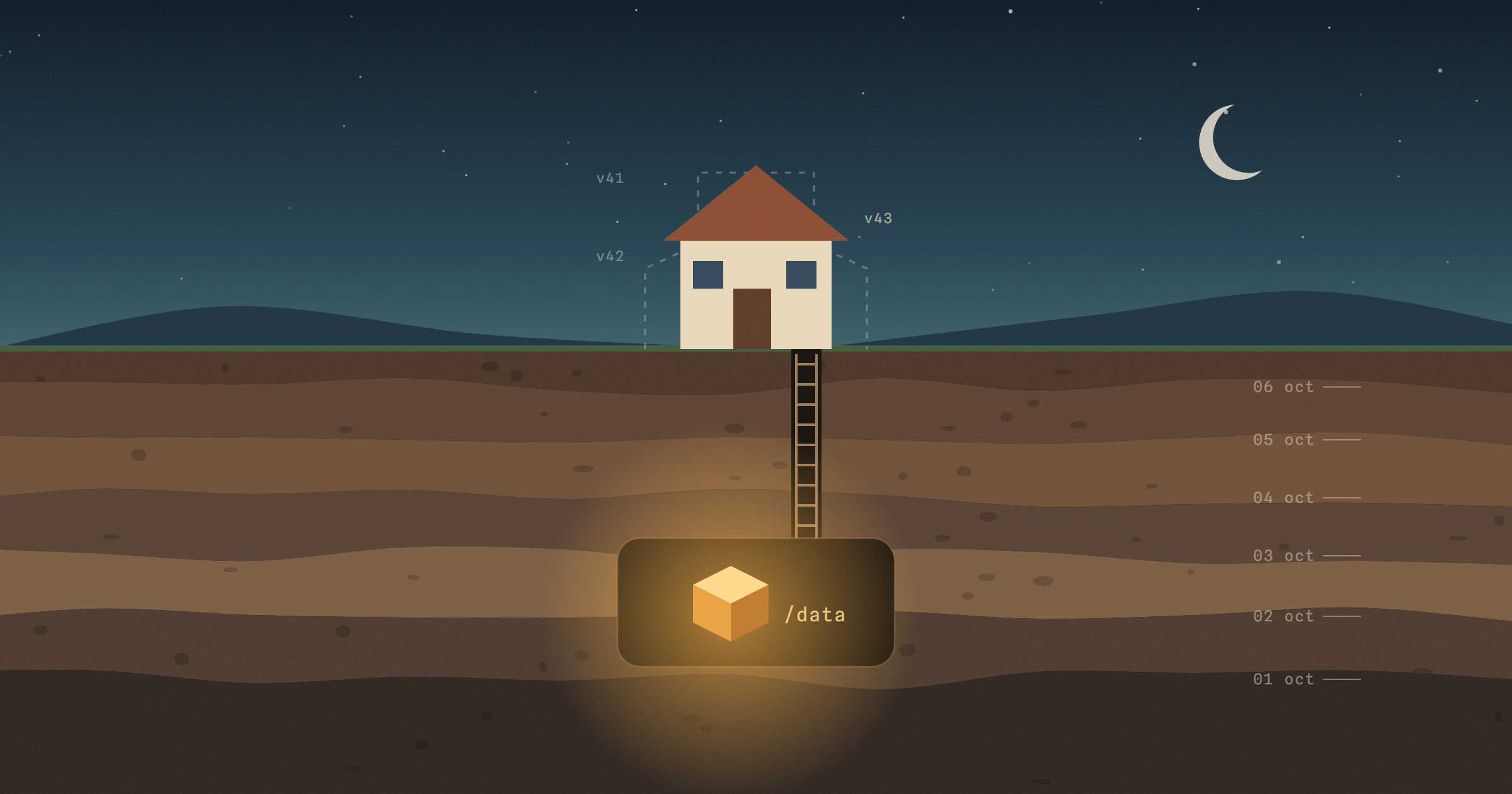
Every deploy on velixir builds your app a fresh container. That's how it should be, but it has one catch: anything your app wrote to its own disk is gone the next time you deploy. That's fine for most web apps. It isn't fine for user uploads, a SQLite file, an n8n instance full of workflows, or an AI agent that's meant to remember what it did yesterday.
So from today you can give a web app a volume. It's a disk mounted into your app that survives deploys, restarts and crashes. You can take snapshots of it, restore one, and choose how many to keep.
How do I add a volume to my app?
Open the app and go to the Volume tab, or click the disk card under the app on your project page. Pick where it mounts (/data unless you say otherwise) and how big it should be, from 1 GB to 50 GB. We redeploy the app to mount it, and you're done.
Your code finds it through an environment variable, so you don't have to hard-code the path:
const dir = process.env.VELIXIR_VOLUME_PATH ?? './data';
From a terminal, with the CLI:
velixir volume create --path /data --limit 10
velixir volume
There's an API for it too, at /api/v1/apps/{id}/volume, if you'd rather script it. The volumes docs cover every option.
What does it cost?
€0.15 per GB a month for the size you pick, billed by the hour like everything else. A 10 GB volume is €1.50 a month. The space is set aside for you on the server whether you fill it or not, which is why you pay for the size rather than what's on it.
You can make it bigger whenever you like. You can make it smaller too, as long as that's still more than what's on it.
How do snapshots work?
Every night at 02:30 UTC we copy the volume to object storage, compress it, and keep it for seven days. That's the default. You can switch to weekly or turn snapshots off, and keep them for 7, 14, 30 or 90 days. They cost €0.05 per GB a month on the compressed size, so a few hundred megabytes of files costs pennies.
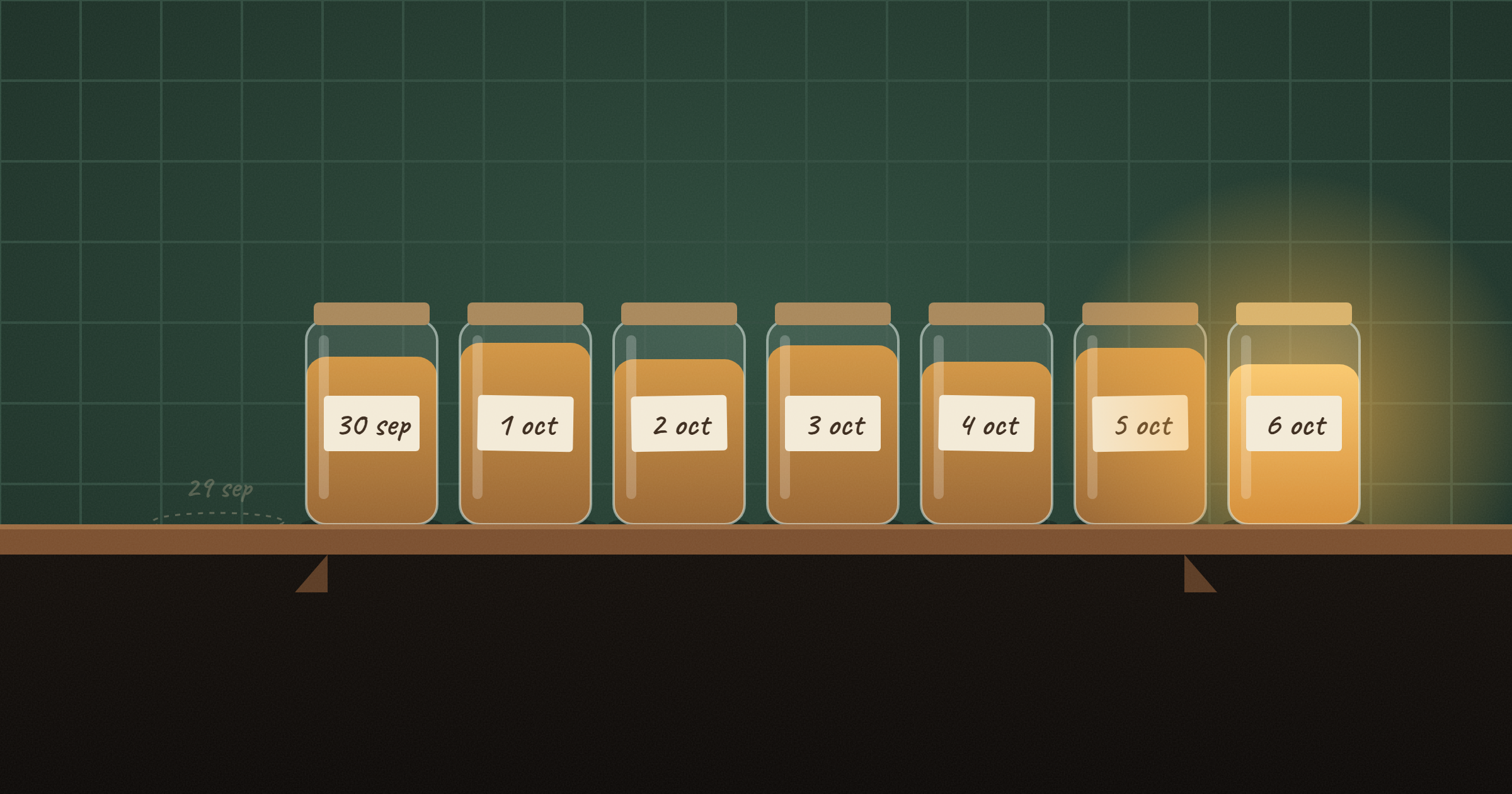
Restoring is one button on the snapshot you want (or velixir volume restore <snapshot>). It replaces what's on the volume with that copy and restarts the app. If you delete a volume by mistake, its snapshots stay for another week. Open a support ticket in that week and we can bring it back.
What happens when it fills up?
We check how full every volume is every ten minutes. You get an email at 80% and again at 90%. At 100% we tell you exactly when the app will be stopped, which is 24 hours later, so you have a day to make the volume bigger or clear things out.
If it does get stopped, nothing is deleted. Make the volume bigger, or start the app for a two-hour clean-up window and delete what you don't need, and it starts again by itself once it's back under.
There's one exception to the day's grace. Volumes share a server's disk with other customers' apps, so a volume that runs far past 50 GB (more than 60 GB) is stopped straight away. A runaway log file shouldn't take your neighbours down with it.
Which templates come with one?
n8n, Hermes Agent and OpenClaw now ship with a 10 GB volume, so your workflows and your agent's memory survive a redeploy. On a paid plan you'll see it ticked when you deploy the template. On the Free plan they deploy without one.
What volumes aren't for
Databases. Snapshots are taken while your app is running, and a database file copied mid-write can come out broken. Put your data in managed Postgres, which has proper backups, and keep the volume for files.
More than one replica. The disk lives on one server, so an app with a volume runs as a single replica, and a deploy restarts it rather than rolling over. Expect a few seconds of downtime per deploy. High-availability apps can't have a volume for the same reason.
The Free plan. Free apps sleep when they're idle, which is no place to keep data. Volumes start on Hobby.
Big archives. The most a volume can hold is 50 GB. If you need more than that, object storage is the better fit, and you're welcome to tell us what you're storing.
Try it
Open any paid app, go to the Volume tab and add one. It takes about a minute, most of which is the redeploy. New to velixir? Start here, and see pricing for everything else.
Got an app to ship? velixir hosts it in any language, on servers in the EU.
Start free - your first month's on us